
Do NFC review cards work with iPhone and Android?
By Christopher Robinson · Updated · 4 min read
Short answer
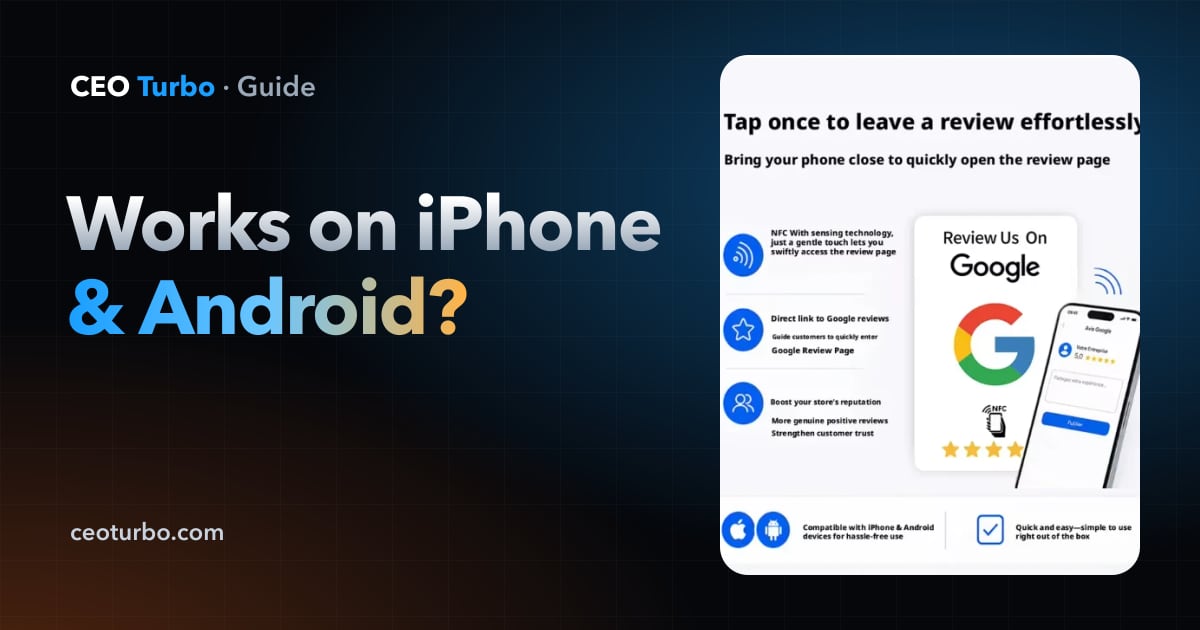
Yes. Every iPhone XS and newer reads NFC review cards automatically when unlocked — hold the top edge near the card. Most Android phones read them too once NFC is on (it usually is) — tap the middle of the back. iPhone 7, 8 and X can read them through the NFC Tag Reader in Control Center.
Which iPhones read NFC review cards?
iPhone XS, XS Max, XR and every newer iPhone (including all iPhone 11 through current models and the SE 2nd generation and later) read NFC tags in the background — no app, just an unlocked screen. iPhone 7, 8 and X need the NFC Tag Reader control opened first. iPhone 6 and older can't read NFC tags.
| Phone | Reads the card? | How |
|---|---|---|
| iPhone XS / XR and newer | Yes | Unlock, hold the top edge near the card |
| iPhone SE (2nd gen+) | Yes | Unlock, hold the top edge near the card |
| iPhone 7, 8, X | Yes, with a step | Control Center → NFC Tag Reader |
| Android with NFC | Yes | NFC on, tap the middle of the back |
| Phones without NFC | No | Use a QR code for the same link |
Where on the phone should customers tap?
On an iPhone the NFC antenna is at the top edge, near the camera — hold that part flat over the card for a second. On Android it's usually in the middle of the back. Customers new to it get it right the second time; staff can show them once.
How do you turn on NFC on Android?
Open Settings and search “NFC”. On Samsung it's under Connections; on Pixel it's under Connected devices → Connection preferences. Switch NFC on. It's on by default on most phones, and leaving it on doesn't noticeably affect battery.
Why isn't a phone reacting to the card?
The usual causes are a locked screen, holding the wrong part of the phone near the card, a thick or metal case, the card sitting on metal, or NFC switched off on Android. If one phone works and another doesn't, the card is fine — it's the phone's settings or position.
- Unlock the phone first
- iPhone: top edge to the card; Android: middle of the back
- Remove thick, metal or magnetic wallet cases
- Keep the card off metal surfaces